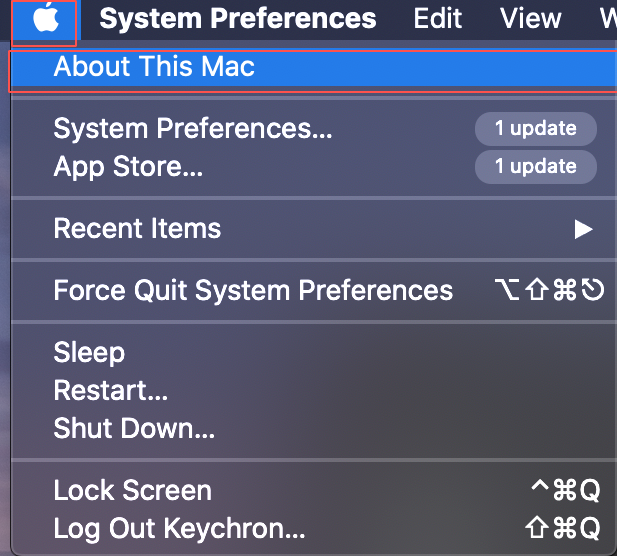
Below is the tutorial showing how to check your keyboard firmware version on your Mac.
Step 1: Click the Apple icon and select the "About This Mac" section.
Step 2: Click the "System Report" section.
Step 3: Click the "USB" section first and then select your keyboard model in "USB Device Tree", you will find out the firmware version of your keyboard model.
Note: Please check your keyboard firmware version before you use firmware to update your keyboard. The keyboard firmware version should be the same as the firmware version you use.